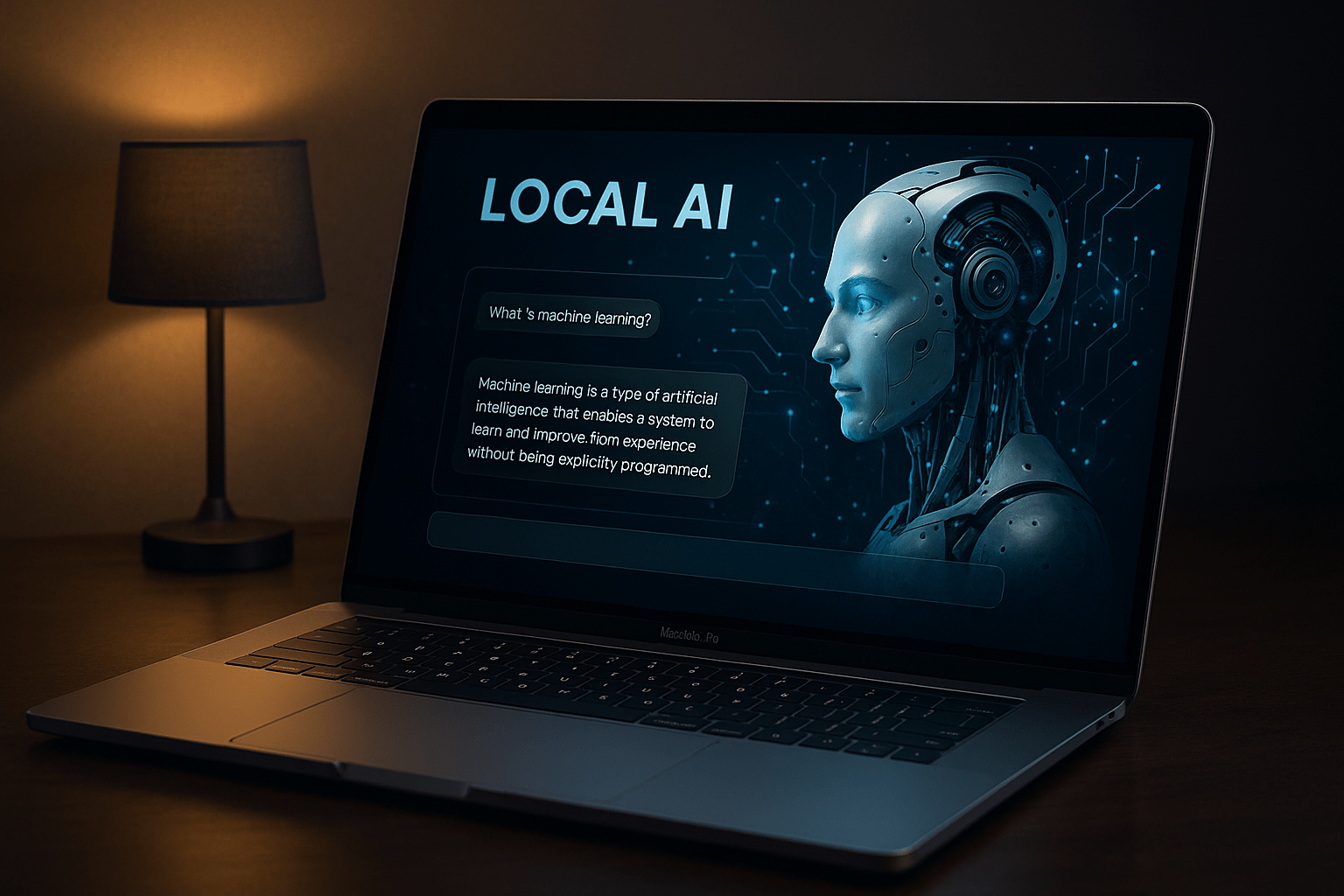
Cloud AI as head teacher: why the future of work lies with local AI

Cloud AI becomes the head teacher

When the large language models began their triumphal march a few years ago, they almost seemed like a return to the old virtues of technology: a tool that does what it is told. A tool that serves the user, not the other way around. The first versions - from GPT-3 to GPT-4 - had weaknesses, yes, but they were amazingly helpful. They explained, analyzed, formulated and solved tasks. And they did this largely without pedagogical ballast.

You talked to these models as if you were talking to an erudite employee who sometimes got lost, but basically just worked. Anyone who wrote creative texts, generated program code or produced longer analyses back then experienced how smoothly it went. There was a feeling of freedom, of an open creative space, of technology that supported people instead of correcting them.

Read more

Apple MLX vs. NVIDIA: How local AI inference works on the Mac

Local AI on Silicon with Apple Mac

Anyone working with artificial intelligence today often first thinks of ChatGPT or similar online services. You type in a question, wait a few seconds - and receive an answer as if a very well-read, patient conversation partner were sitting at the other end of the line. But what is easily forgotten: Every input, every sentence, every word travels via the Internet to external servers. That's where the real work is done - on huge computers that you never get to see yourself.

In principle, a local language model works in exactly the same way - but without the Internet. The model is stored as a file on the user's own computer, is loaded into the working memory at startup and answers questions directly on the device. The technology behind it is the same: a neural network that understands language, generates texts and recognizes patterns. The only difference is that the entire calculation remains in-house. You could say: ChatGPT without the cloud.

Read more

Artificial intelligence: which jobs are at risk and how we can arm ourselves now.

Which jobs will be eliminated by AI in the future

Hardly any other technological change has crept into our everyday lives as quickly as artificial intelligence. What was considered a visionary technology of the future yesterday is already a reality today - whether in texting, programming, diagnosing, translating or even creating music, art or legal briefs.

Read more

MLX on Apple Silicon as local AI in comparison with Ollama & Co.

Local AI on the Mac with MLX

At a time when centralized AI services such as ChatGPT, Claude or Gemini are dominating the headlines, many professional users are increasingly looking for an alternative - a local, self-controllable AI infrastructure. Especially for creative processes, sensitive data or recurring workflows, a local solution is often the more sustainable and secure option.

Anyone working with a Mac - especially with Apple Silicon (M1, M2, M3 or M4) - can now find amazingly powerful tools to run their own language models directly on the device. At the center of this is a new, largely unknown component: MLX, a machine learning framework developed by Apple that is likely to play an increasingly central role in the company's AI ecosystem in the coming years.

Read more

RAG with Ollama and Qdrant as a universal search engine for own data

Extend local AI with databases using RAG, Ollama and Qdrant

In an increasingly confusing world of information, it is becoming more and more important to make your own databases searchable in a targeted manner - not via classic full-text searches, but through semantically relevant answers. This is exactly where the principle of the RAG database comes into play - an AI-supported search solution consisting of two central components:

Read more

Ollama meets Qdrant: A local memory for your AI on the Mac

Memory for local AI with Ollama and Qdrant

Local AI with memory - without cloud, without subscription, without detour

In a previous articles I explained how to configure Ollama on the Mac install. If you have already completed this step, you now have a powerful local language model - such as Mistral, LLaMA3 or another compatible model that can be addressed via REST API.

However, the model only "knows" what is in the current prompt on its own. It does not remember previous conversations. What is missing is a memory.

Read more

Local AI on the Mac: How to install a language model with Ollama

Local AI on the Mac has long been practical - especially on Apple-Silicon computers (M series). With Ollama you get a lean runtime environment for many open source language models (e.g. Llama 3.1/3.2, Mistral, Gemma, Qwen). The current Ollama version now also comes with a user-friendly app that allows you to set up a local language model on your Mac at the click of a mouse. In this article you will find a pragmatic guide from installation to the first prompt - with practical tips on where things traditionally go wrong.

Read more