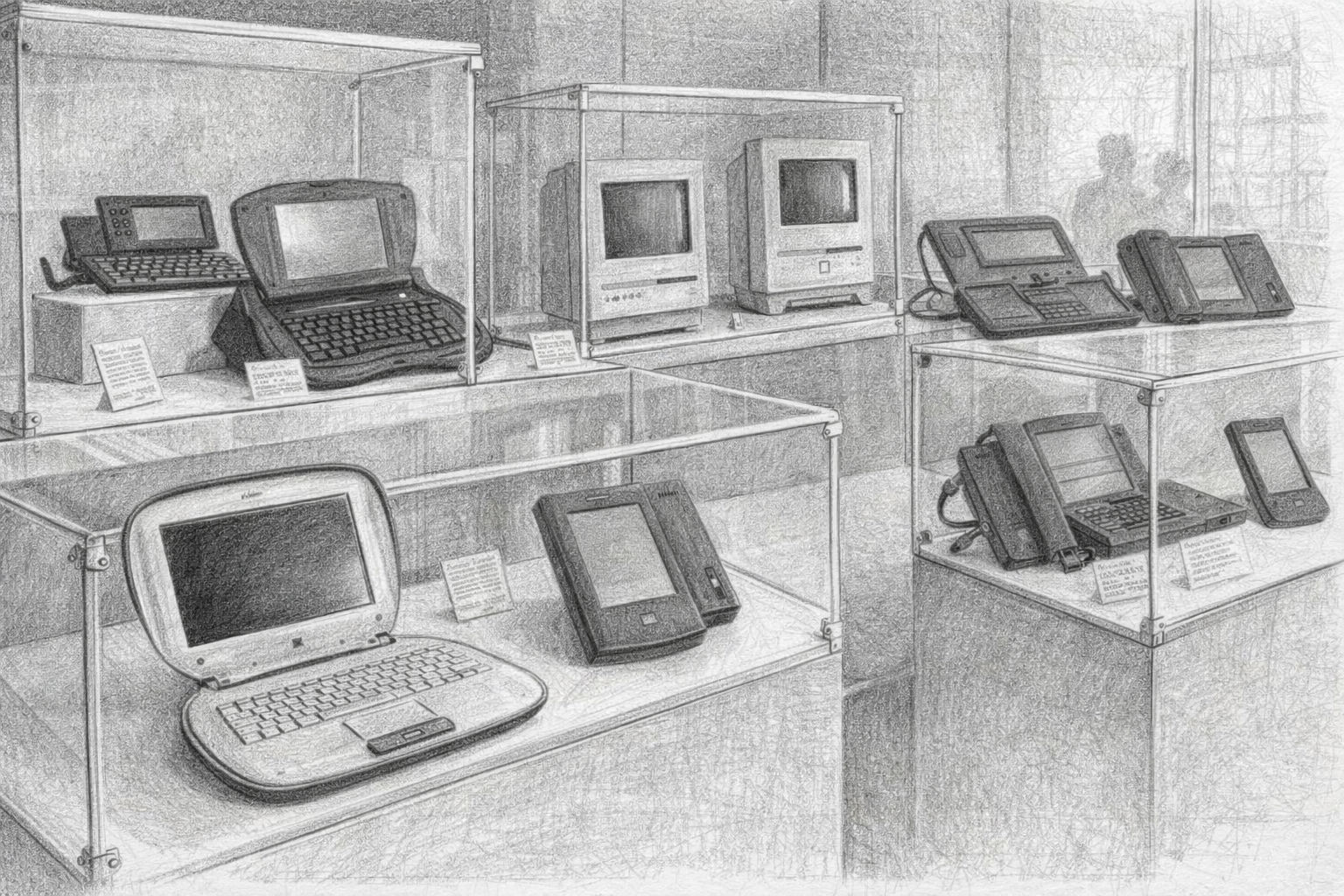
From Commodore C16 to WordPress: A journey through the early years of the internet

From modem to Internet and magazine

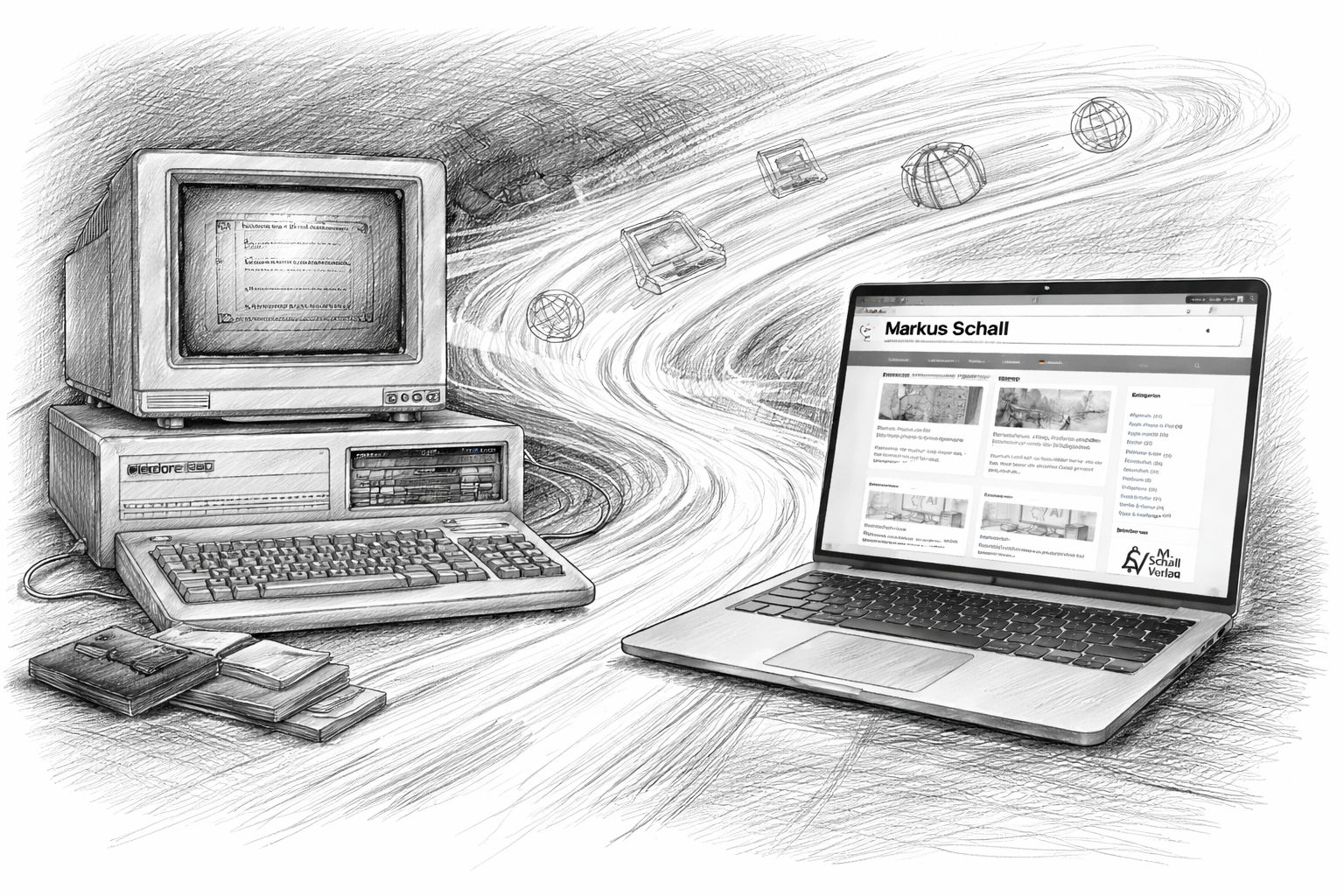
When you pick up a smartphone today, it contains more computing power than entire computer rooms used to. In the 1980s, things were completely different. Computers were rare, expensive and, for many people, a mysterious machine. Back then, if you had your own home computer, you belonged to a small group of tinkerers, inventors and curious people. The exciting thing was that you didn't just consume computers. You had to understand them. Many programs were not available to buy ready-made. Instead, computer magazines contained pages of listings with BASIC code that you had to type out line by line. Only then could you see whether the program worked at all.

That sounds tedious today, but it had one big advantage. You automatically learned how computers work. If you made a mistake, you immediately got an error message - and had to find out for yourself where the error was. In this way, many young computer fans developed a very natural approach to technology and programming.

It was at this time that I began my own journey into the world of computers.

Read more

When the Mac listens: What Apple's integrated AI with Gemini and Siri will mean for users in the future

Apple, Siri and Gemini

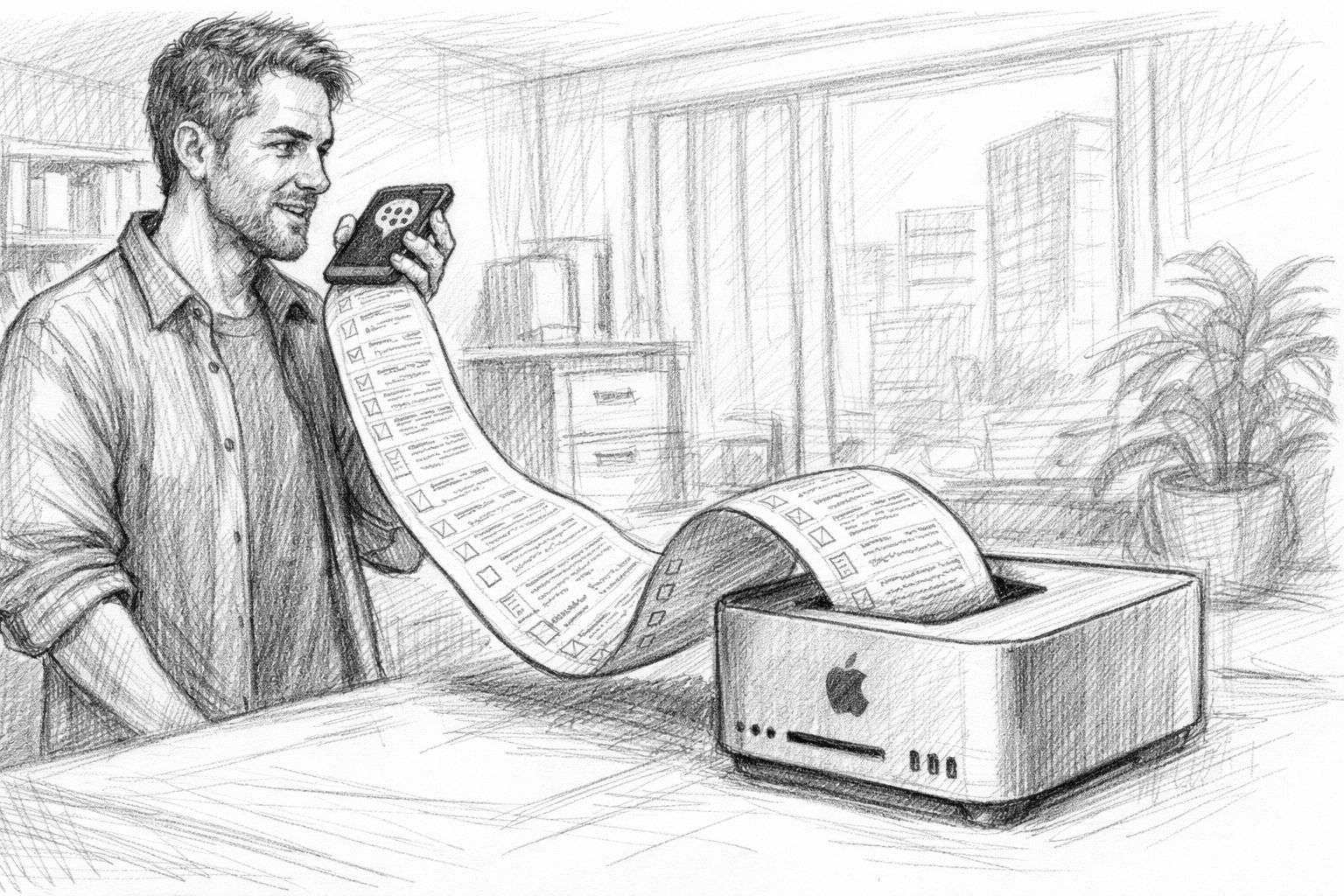
When you open a Mac today, you expect reliability. Programs start, files are in their place, processes are well practiced. Many have built up a way of working over years - some over decades - that works. You know where to click. You know your tools. And this is precisely where the quiet comfort lies. But for some time now, a change has been brewing in the background that is bigger than new colors, new icons or additional menu items. For the first time, a form of artificial intelligence is moving in not just as a single application, but closer to the heart of the operating system itself. Where daily routines are created.

That sounds abstract at first. Perhaps even a little futuristic. But basically it's about something very down-to-earth: the computer should better understand what is meant. Not just what is clicked on. Many people have so far experienced AI outside of their actual work. In chat windows, on websites, as an experiment or a gimmick. You try something out, perhaps be amazed, close the window again - and return to your normal everyday life.

Read more

AI Studio 2025: Which hardware is really worth it - from the Mac Studio to the RTX 3090

Hardware 2025 for AI studio

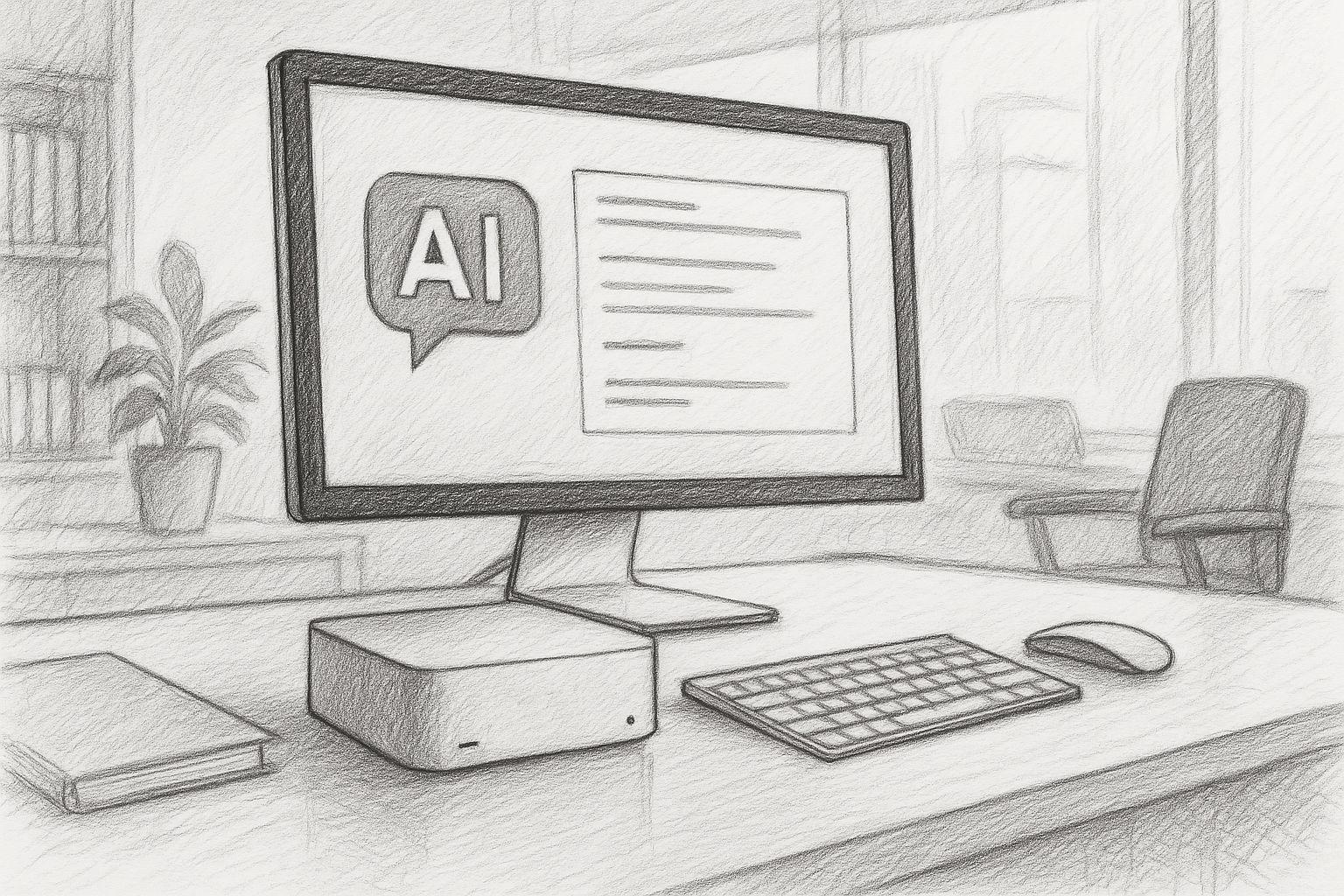
Anyone working with AI today is almost automatically pushed into the cloud: OpenAI, Microsoft, Google, any web UIs, tokens, limits, terms and conditions. This seems modern - but is essentially a return to dependency: others determine which models you can use, how often, with which filters and at what cost. I'm deliberately going the other way: I'm currently building my own little AI studio at home. With my own hardware, my own models and my own workflows.

My goal is clear: local text AI, local image AI, learning my own models (LoRA, fine-tuning) and all of this in such a way that I, as a freelancer and later also an SME customer, am not dependent on the daily whims of some cloud provider. You could say it's a return to an old attitude that used to be quite normal: „You do important things yourself“. Only this time, it's not about your own workbench, but about computing power and data sovereignty.

Read more

The silent danger of wearables: when convenience becomes surveillance

Wearables, smartwatch, in-ear headphones

Wearables are now part of everyday life. Many people now wear a smartwatch as a matter of course, count their steps, monitor the quality of their sleep or set reminders to take breaks during the day. And I'm happy to admit it: I also have a Apple Watch myself, and I find this technology absolutely fascinating in its own way. It can do things that would have been pure dreams of the future just a few years ago. Nevertheless, I rarely use my Apple Watch.

And just now, after the latest reports and statements from experts, I realize once again that this reticence is not so wrong. After all, many modern headphones and wearables now contain sensors that can measure far more than you might think at first glance. Not all headphones do - but the trend is clear: more and more technology is moving inconspicuously into small devices that we wear close to our bodies.

Read more

Apple MLX vs. NVIDIA: How local AI inference works on the Mac

Local AI on Silicon with Apple Mac

Anyone working with artificial intelligence today often first thinks of ChatGPT or similar online services. You type in a question, wait a few seconds - and receive an answer as if a very well-read, patient conversation partner were sitting at the other end of the line. But what is easily forgotten: Every input, every sentence, every word travels via the Internet to external servers. That's where the real work is done - on huge computers that you never get to see yourself.

In principle, a local language model works in exactly the same way - but without the Internet. The model is stored as a file on the user's own computer, is loaded into the working memory at startup and answers questions directly on the device. The technology behind it is the same: a neural network that understands language, generates texts and recognizes patterns. The only difference is that the entire calculation remains in-house. You could say: ChatGPT without the cloud.

Read more

Digital dependency: how we have lost our self-determination to the cloud

Digital dependency with cloud systems

I've always thought it was a mistake for people to hand over their data - be it in the cloud, via apps or with any "free" services. For me, data sovereignty has never been a buzzword, but a question of self-respect. Anyone who uses technology without considering the consequences is entering into a dependency that often only becomes noticeable years later - but then has an even deeper impact.

Read more

gFM-Dental 1.1 contains constancy test according to DIN 6868-157.

Perform constancy check in gFM-Dental

The null software for dentists available on the FileMaker specialist portal goFileMaker now includes the option of carrying out the daily constancy test of diagnostic monitors of digital X-ray devices in accordance with the new DIN 6868-157 guideline under Apple Mac OS X. gFM-Dental 1.1 contains a corresponding test image for carrying out the constancy test in accordance with the new standard. A technical article explains ... Read more

gFM-Dental: Constancy test for diagnostic monitors of digital X-ray devices

Main menu of gFM-Dental

With gFM-Dental, a software was introduced today on the FileMaker specialist portal goFileMaker that provides the daily and monthly constancy test for diagnostic monitors of digital X-ray devices under Mac OS X that is mandatory for dentists. The software, which is based on FileMaker 13, includes a test wizard with which the due constancy test can be carried out with just a few mouse clicks. All test results are ... Read more