From FileMaker to the Cloud: How SchallOS Connects Business Software with AI, Runtime, and Updates

SchallOS - Intelligent Application Platform

When developing a business application, the focus is initially on the visible tasks. Tables are created, relationships are defined, input forms are designed, and business processes are automated. As soon as the first users are able to work with the solution, a large part of the project appears to be complete. In practice, however, this is when the more challenging long-term phase begins. A business application must be maintained, expanded, and adapted to new requirements. Changes must be documented, new versions deployed, and existing data securely migrated. Added to this are different user permissions, data backups, error analysis, and the question of whether a solution should be operated locally, on a dedicated server, or in the cloud.

Many development platforms focus primarily on building the actual application. Additional tools and custom processes are added later for updates, documentation, deployment, and operations. Over time, this results in a technical environment consisting of many separate components that can only be kept together with considerable effort. SchallOS therefore takes a more comprehensive approach. The platform is designed to support a business application not only during its creation but throughout its entire lifecycle: from development through documentation and deployment to updates and ongoing operation.

Read more

From ChatGPT data export to your own knowledge AI: step-by-step with Ollama and Qdrant

The path to your own AI memory

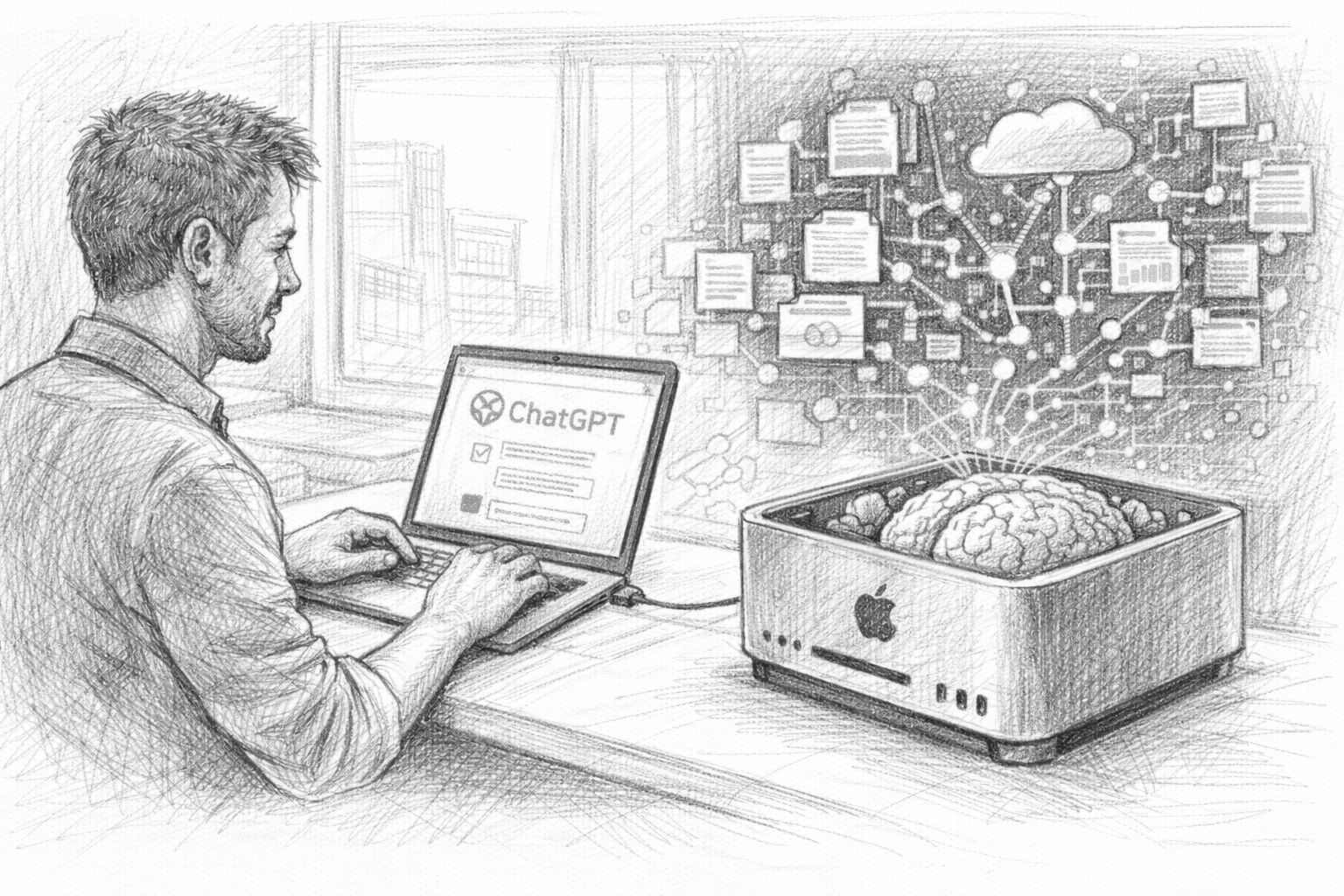
In the first part of this article series, we saw that the ChatGPT data export is much more than just a technical function. Your exported data contains a collection of thoughts, ideas, analyses and conversations that have accumulated over a long period of time. But as long as this data is only stored as an archive on your hard disk, it remains just that: an archive. The crucial step is to make this information usable again. This is exactly where the development of a personal knowledge AI begins.

The idea is actually surprisingly simple: an AI should not only work with general knowledge, but also be able to access your own data. It should search through previous conversations, find suitable content and incorporate this into new answers. This turns an ordinary AI into a kind of digital memory. This is the second part of the article series, which now looks at the practical aspects.

Read more

ChatGPT data export explained: How your AI chats become a personal knowledge system

ChatGPT data export

If you regularly work with an AI, then you probably know this: one thought leads to the next. You ask a question, get an answer, reformulate, develop an idea further. A short question suddenly turns into a longer dialog. Sometimes it even leads to entire projects.

But most of these conversations disappear again. They lie somewhere in the chat list, slide down and are forgotten over time. This is precisely one of the great features of modern AI systems: While previous conversations with colleagues, friends or advisors only existed in our memories, AI dialogs are completely preserved.

This means something crucial: With every conversation, a digital archive of your thinking is created. This is the first part of a small series of articles that will allow you to export your chat history from ChatGPT and use it effectively as a personal treasure trove of knowledge with your local AI system.

Read more

Artificial intelligence without the hype: why fewer AI tools often mean better work

Artificial intelligence without the hype

Anyone who deals with the topic of artificial intelligence today almost inevitably encounters a strange feeling: constant restlessness. No sooner have you got used to one tool than the next ten appear. One video follows the next on YouTube: „This AI tool changes everything“, „You absolutely have to use this now“, „Those who miss out are left behind“. And every time, the same message resonates subliminally: You're too late. The others are further ahead. You have to catch up.

This doesn't just affect IT people. Self-employed people, creative professionals, entrepreneurs and ordinary employees are also feeling the pressure. Many don't even know exactly what these tools actually do - but they have the feeling that they could be missing out on something. And that's exactly what creates stress.

Read more

Cloud AI as head teacher: why the future of work lies with local AI

Cloud AI becomes the head teacher

When the large language models began their triumphal march a few years ago, they almost seemed like a return to the old virtues of technology: a tool that does what it is told. A tool that serves the user, not the other way around. The first versions - from GPT-3 to GPT-4 - had weaknesses, yes, but they were amazingly helpful. They explained, analyzed, formulated and solved tasks. And they did this largely without pedagogical ballast.

You talked to these models as if you were talking to an erudite employee who sometimes got lost, but basically just worked. Anyone who wrote creative texts, generated program code or produced longer analyses back then experienced how smoothly it went. There was a feeling of freedom, of an open creative space, of technology that supported people instead of correcting them.

Read more

Apple MLX vs. NVIDIA: How local AI inference works on the Mac

Local AI on Silicon with Apple Mac

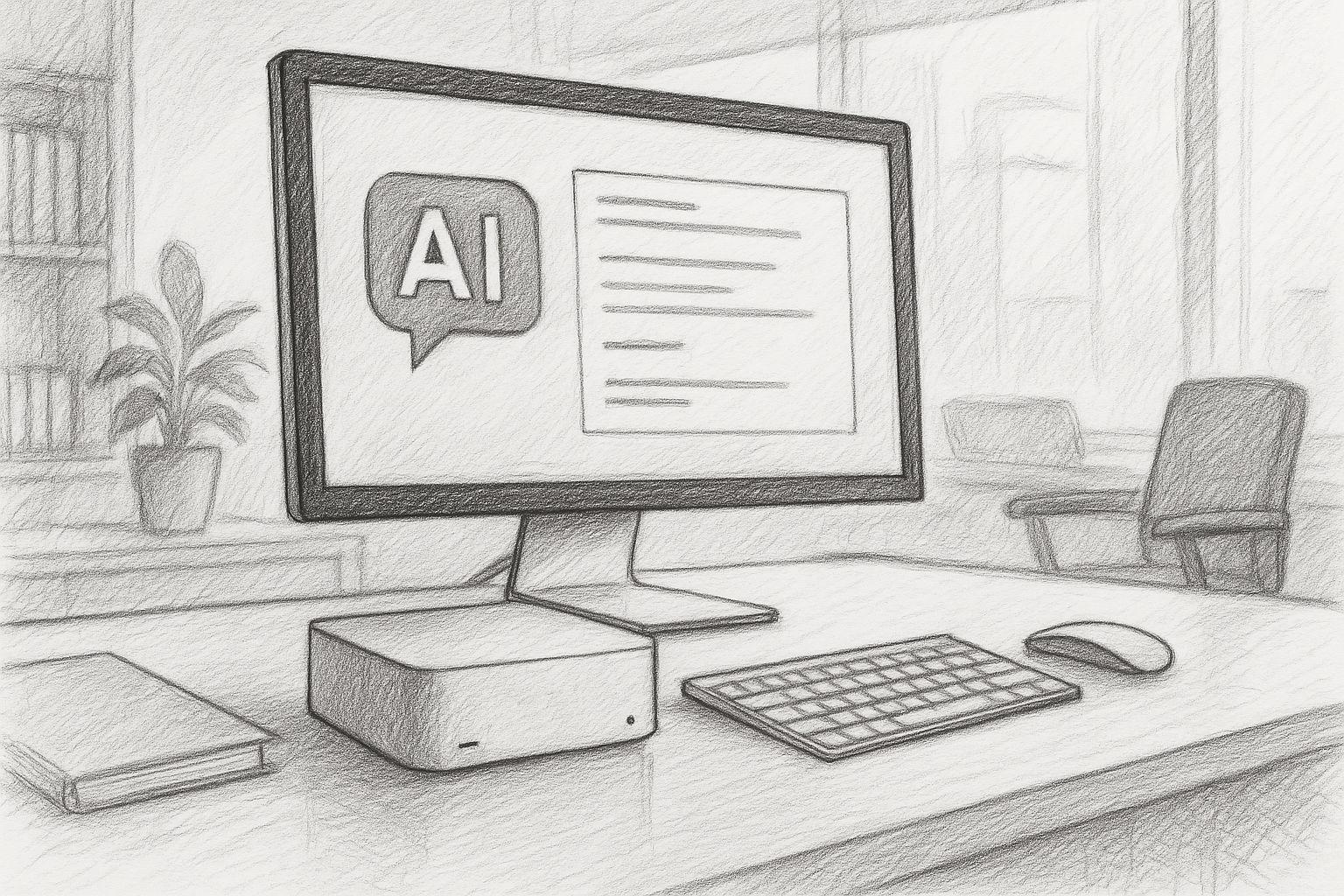
Anyone working with artificial intelligence today often first thinks of ChatGPT or similar online services. You type in a question, wait a few seconds - and receive an answer as if a very well-read, patient conversation partner were sitting at the other end of the line. But what is easily forgotten: Every input, every sentence, every word travels via the Internet to external servers. That's where the real work is done - on huge computers that you never get to see yourself.

In principle, a local language model works in exactly the same way - but without the Internet. The model is stored as a file on the user's own computer, is loaded into the working memory at startup and answers questions directly on the device. The technology behind it is the same: a neural network that understands language, generates texts and recognizes patterns. The only difference is that the entire calculation remains in-house. You could say: ChatGPT without the cloud.

Read more

Artificial intelligence: which jobs are at risk and how we can arm ourselves now.

Which jobs will be eliminated by AI in the future

Hardly any other technological change has crept into our everyday lives as quickly as artificial intelligence. What was considered a visionary technology of the future yesterday is already a reality today - whether in texting, programming, diagnosing, translating or even creating music, art or legal briefs.

Read more

MLX on Apple Silicon as local AI in comparison with Ollama & Co.

Local AI on the Mac with MLX

At a time when centralized AI services such as ChatGPT, Claude or Gemini are dominating the headlines, many professional users are increasingly looking for an alternative - a local, self-controllable AI infrastructure. Especially for creative processes, sensitive data or recurring workflows, a local solution is often the more sustainable and secure option.

Anyone working with a Mac - especially with Apple Silicon (M1, M2, M3 or M4) - can now find amazingly powerful tools to run their own language models directly on the device. At the center of this is a new, largely unknown component: MLX, a machine learning framework developed by Apple that is likely to play an increasingly central role in the company's AI ecosystem in the coming years.

Read more