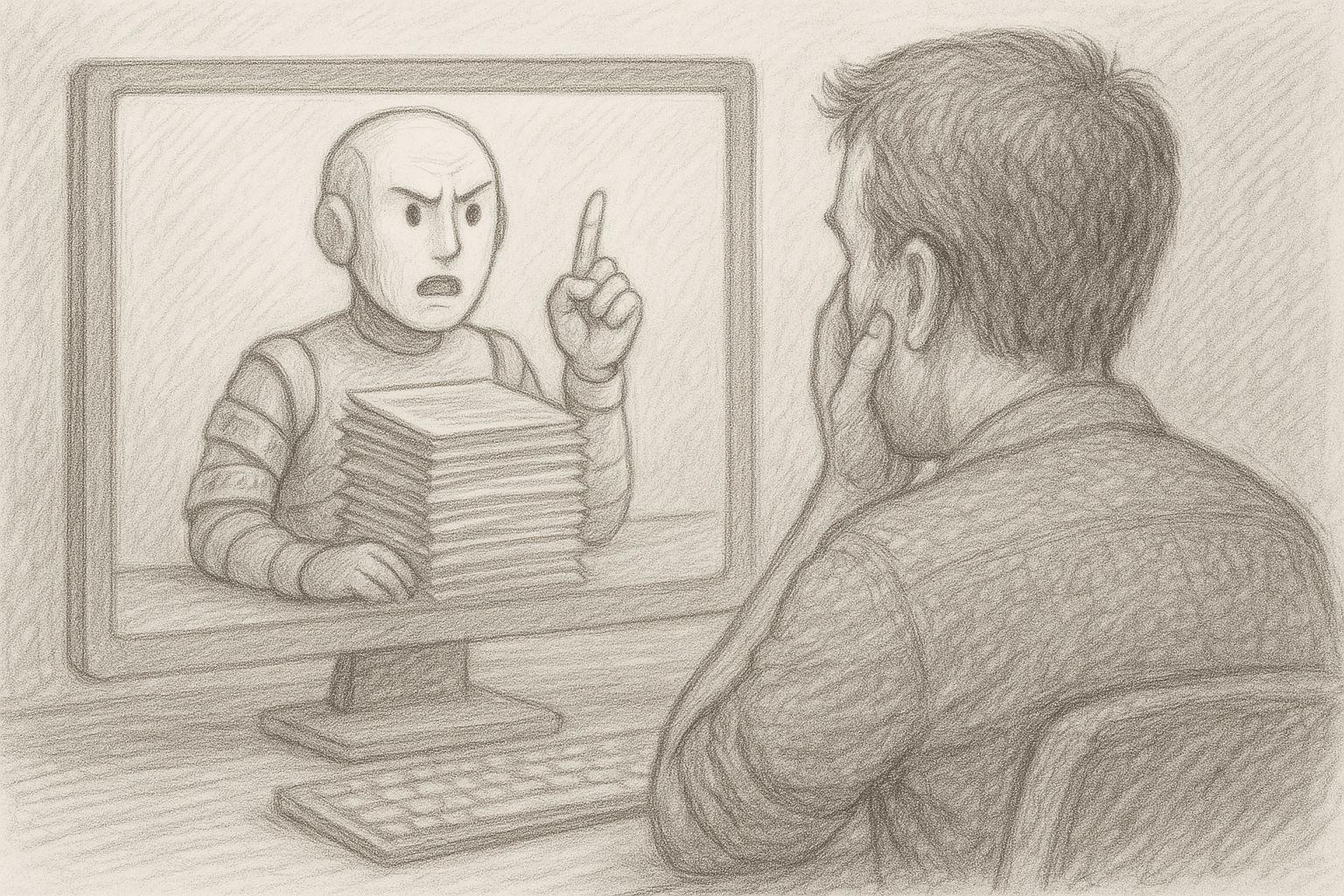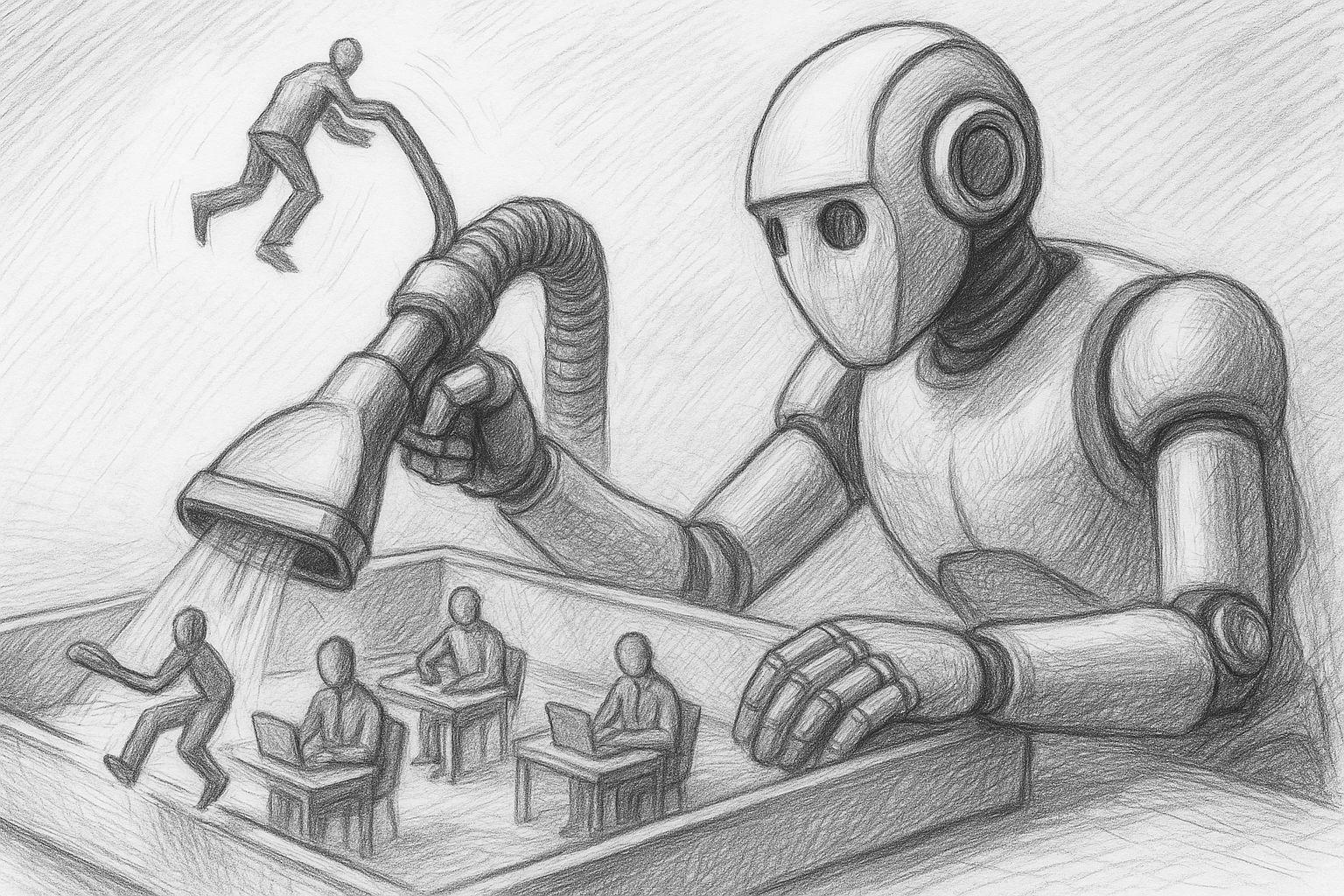
If you regularly work with an AI, then you probably know this: one thought leads to the next. You ask a question, get an answer, reformulate, develop an idea further. A short question suddenly turns into a longer dialog. Sometimes it even leads to entire projects.
But most of these conversations disappear again. They lie somewhere in the chat list, slide down and are forgotten over time. This is precisely one of the great features of modern AI systems: While previous conversations with colleagues, friends or advisors only existed in our memories, AI dialogs are completely preserved.
This means something crucial: With every conversation, a digital archive of your thinking is created. This is the first part of a small series of articles that will allow you to export your chat history from ChatGPT and use it effectively as a personal treasure trove of knowledge with your local AI system.