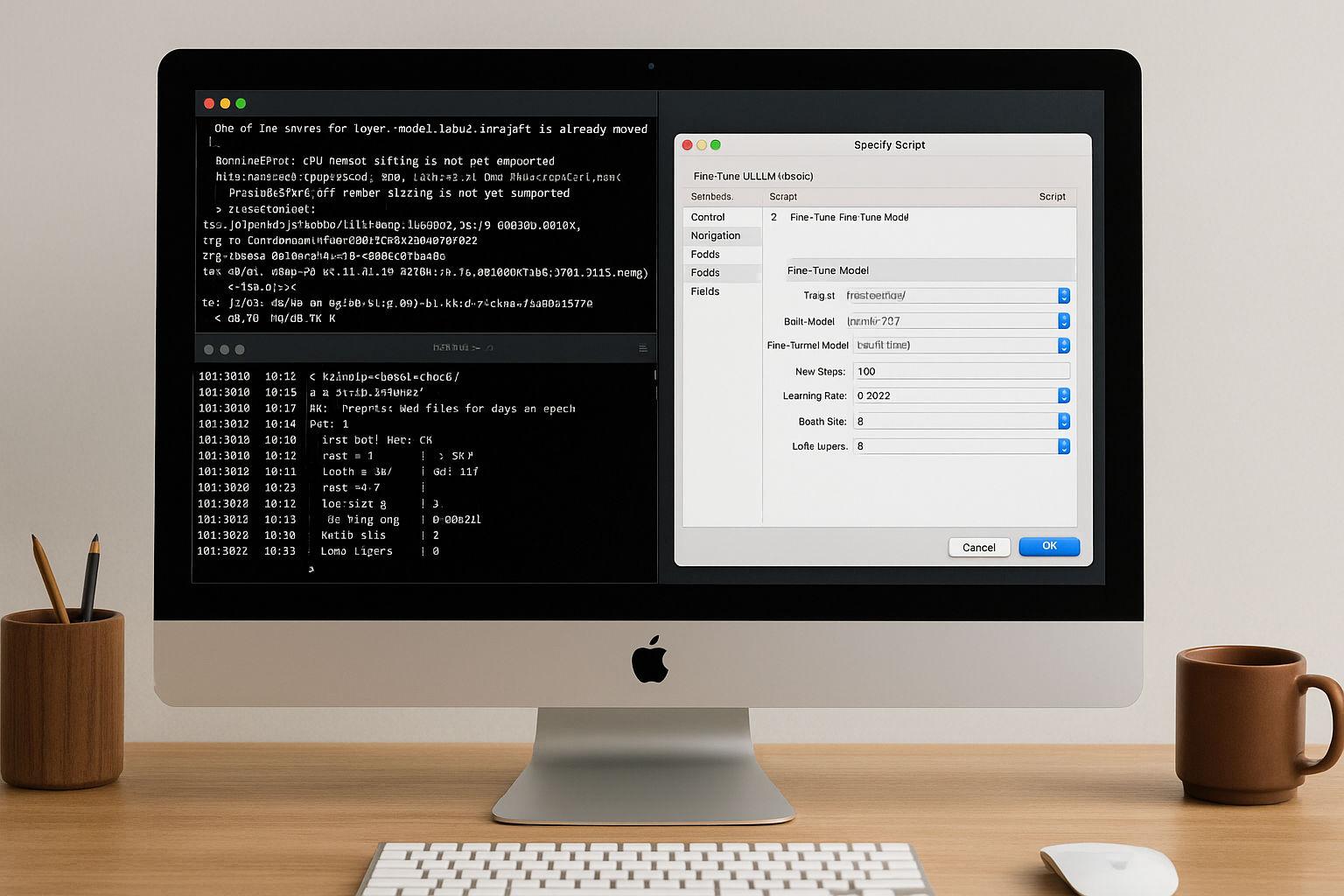
While MLX originally started as an experimental framework from Apple Research, a quiet but significant development has taken place in recent months: With the release of FileMaker 2025, Claris has firmly integrated MLX into the server as a native AI infrastructure for Apple Silicon. This means that anyone working with a Mac and relying on Apple Silicon can not only run MLX models locally, but also use them directly in FileMaker - with native functions, without any intermediate layers.
Language model
Articles about language models and their possible applications. This section deals with GPT, LLaMA, Mistral and other LLMs - from the basics to practical applications.
MLX on Apple Silicon as local AI in comparison with Ollama & Co.
At a time when centralized AI services such as ChatGPT, Claude or Gemini are dominating the headlines, many professional users are increasingly looking for an alternative - a local, self-controllable AI infrastructure. Especially for creative processes, sensitive data or recurring workflows, a local solution is often the more sustainable and secure option.
Anyone working with a Mac - especially with Apple Silicon (M1, M2, M3 or M4) - can now find amazingly powerful tools to run their own language models directly on the device. At the center of this is a new, largely unknown component: MLX, a machine learning framework developed by Apple that is likely to play an increasingly central role in the company's AI ecosystem in the coming years.
Ollama meets Qdrant: A local memory for your AI on the Mac
Local AI with memory - without cloud, without subscription, without detour
In a previous articles I explained how to configure Ollama on the Mac install. If you have already completed this step, you now have a powerful local language model - such as Mistral, LLaMA3 or another compatible model that can be addressed via REST API.
However, the model only "knows" what is in the current prompt on its own. It does not remember previous conversations. What is missing is a memory.
Local AI on the Mac: How to install a language model with Ollama
Local AI on the Mac has long been practical - especially on Apple-Silicon computers (M series). With Ollama you get a lean runtime environment for many open source language models (e.g. Llama 3.1/3.2, Mistral, Gemma, Qwen). The current Ollama version now also comes with a user-friendly app that allows you to set up a local language model on your Mac at the click of a mouse. In this article you will find a pragmatic guide from installation to the first prompt - with practical tips on where things traditionally go wrong.