
I've always thought it was a mistake for people to hand over their data - be it in the cloud, via apps or with any „free“ services. For me, data sovereignty has never been a buzzword, but a question of self-respect. Anyone who uses technology without considering the consequences is entering into a dependency that often only becomes noticeable years later - but then has an even deeper impact.
AI systems
In this category you will find articles about AI systems with Large Language Models (LLM) and their possible applications in the business and creative sectors. Topics covered include local AI installations, Integration into existing software solutions, Use cases in publishing or Process automation with AI. The technical articles show in a practical way how LLMs such as GPT, Mistral or Mixtral how they work, what advantages they offer in everyday life and what technical basics are necessary to use them efficiently. Whether for Text creation, Knowledge management, ERP integration or Customer support - Here you will find insights, tips and experience reports on the professional use of language models.
gFM-Business and the future of ERP: local intelligence instead of cloud dependency
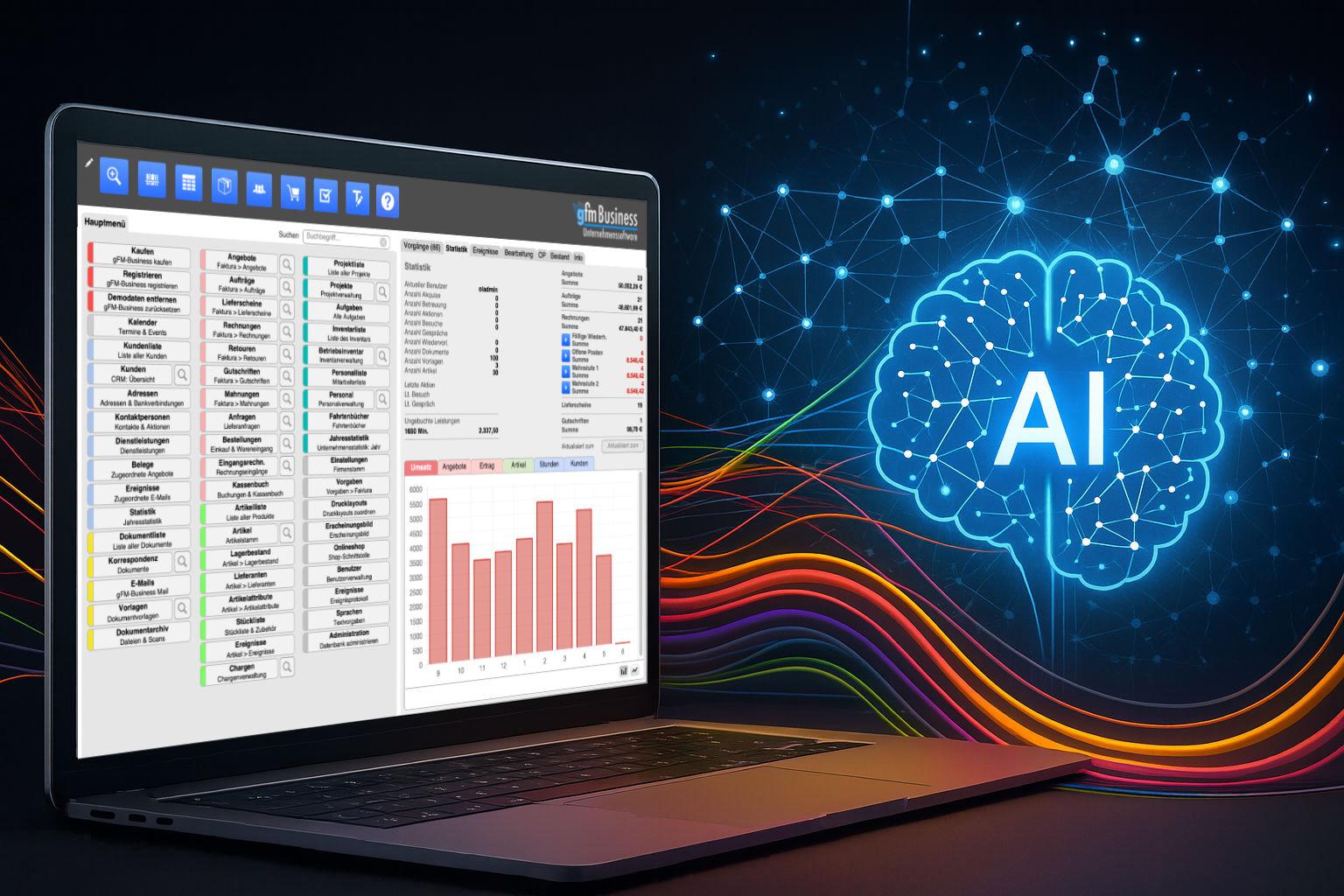
For over a decade, the gFM-Business software has stood for something special in the German ERP market: it is not based on a cumbersome, difficult-to-maintain system, but on the lightweight, customizable and visually modelled FileMaker platform. This has many advantages: gFM-Business can be individually expanded, runs on Windows, macOS and iOS, and can be customized by both developers and ambitious power users.
With the advent of artificial intelligence (AI) - especially through so-called language models such as ChatGPT - new opportunities are now emerging that go far beyond traditional automation. gFM-Business is actively preparing for this future: with the aim of not only managing data, but also unlocking knowledge.
Artificial intelligence: which jobs are at risk and how we can arm ourselves now.

Hardly any other technological change has crept into our everyday lives as quickly as artificial intelligence. What was considered a visionary technology of the future yesterday is already a reality today - whether in texting, programming, diagnosing, translating or even creating music, art or legal briefs.
FileMaker Conference 2025: AI, community and an unexpected incident

The FileMaker Conference 2025 in Hamburg is over - and it was a special milestone in many respects. Not only because this year's conference focused on many topics related to artificial intelligence, performance and modern workflows - but also because the personal exchange and the „family atmosphere“ of the FileMaker community once again came into its own. For me personally, it was an intensive, inspiring and all-round enriching time - right from the very first evening.
Integration of MLX in FileMaker 2025: Local AI as the new standard

While MLX originally started as an experimental framework from Apple Research, a quiet but significant development has taken place in recent months: With the release of FileMaker 2025, Claris has firmly integrated MLX into the server as a native AI infrastructure for Apple Silicon. This means that anyone working with a Mac and relying on Apple Silicon can not only run MLX models locally, but also use them directly in FileMaker - with native functions, without any intermediate layers.
MLX on Apple Silicon as local AI in comparison with Ollama & Co.

At a time when centralized AI services such as ChatGPT, Claude or Gemini are dominating the headlines, many professional users are increasingly looking for an alternative - a local, self-controllable AI infrastructure. Especially for creative processes, sensitive data or recurring workflows, a local solution is often the more sustainable and secure option.
Anyone working with a Mac - especially with Apple Silicon (M1, M2, M3 or M4) - can now find amazingly powerful tools to run their own language models directly on the device. At the center of this is a new, largely unknown component: MLX, a machine learning framework developed by Apple that is likely to play an increasingly central role in the company's AI ecosystem in the coming years.
RAG with Ollama and Qdrant as a universal search engine for own data

In an increasingly confusing world of information, it is becoming more and more important to make your own databases searchable in a targeted manner - not via classic full-text searches, but through semantically relevant answers. This is exactly where the principle of the RAG database comes into play - an AI-supported search solution consisting of two central components:
Ollama meets Qdrant: A local memory for your AI on the Mac

Local AI with memory - without cloud, without subscription, without detour
In a previous articles I explained how to configure Ollama on the Mac install. If you have already completed this step, you now have a powerful local language model - such as Mistral, LLaMA3 or another compatible model that can be addressed via REST API.
However, the model only "knows" what is in the current prompt on its own. It does not remember previous conversations. What is missing is a memory.