
I've always thought it was a mistake for people to hand over their data - be it in the cloud, via apps or with any „free“ services. For me, data sovereignty has never been a buzzword, but a question of self-respect. Anyone who uses technology without considering the consequences is entering into a dependency that often only becomes noticeable years later - but then has an even deeper impact.
Data protection
Data protection has long been more than just a legal side issue - it has become one of the central pillars of our digital self-determination. At a time when personal data is regarded as the new currency, the sovereign handling of information is becoming a question of responsibility - for companies as well as for each individual.
This tag is used for articles that take a critical and practical look at issues relating to data storage, tracking, cloud services, state surveillance and digital autonomy. The aim is to provide guidance - beyond scaremongering, but also beyond blind faith in technology.
gFM-Business and the future of ERP: local intelligence instead of cloud dependency
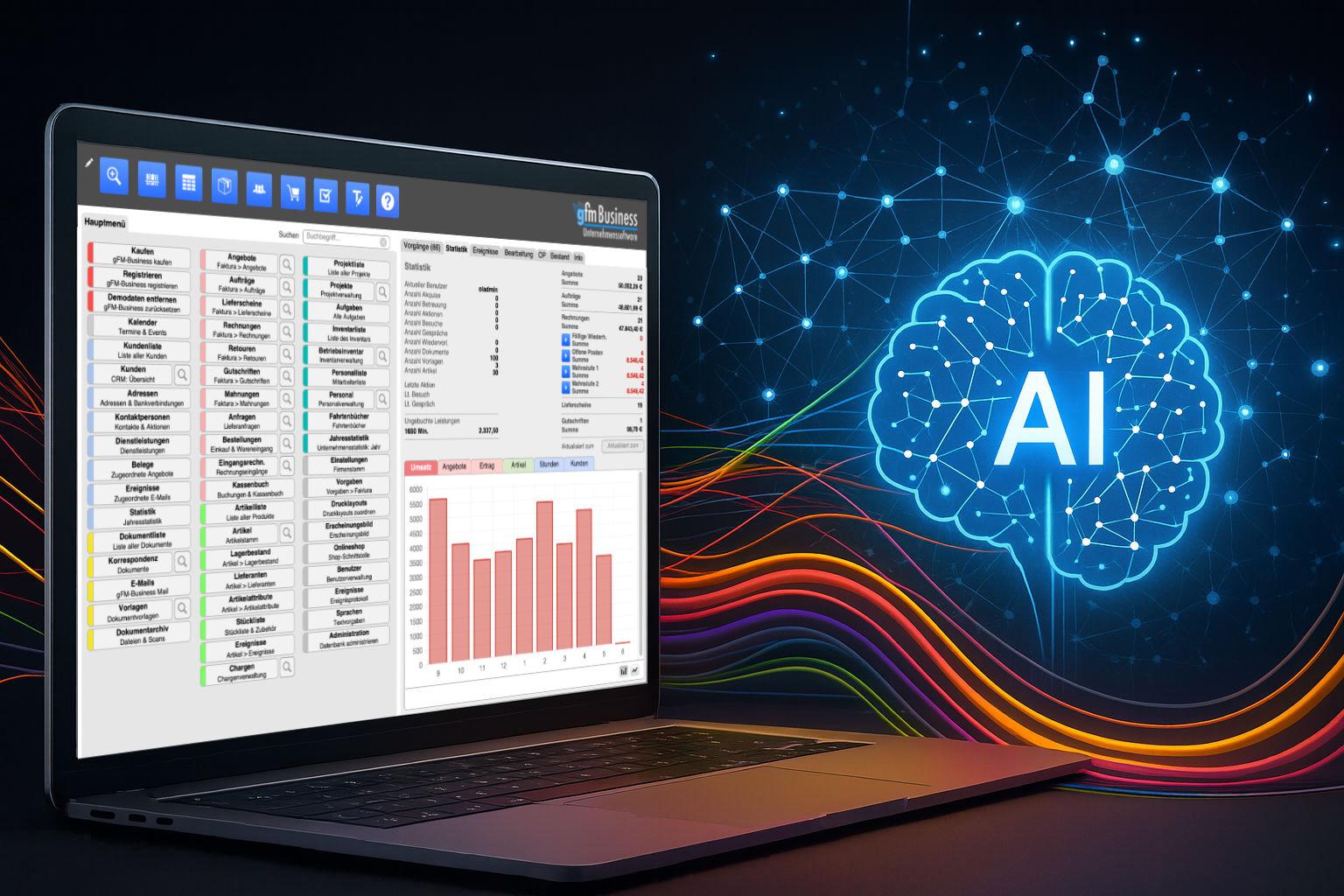
For over a decade, the gFM-Business software has stood for something special in the German ERP market: it is not based on a cumbersome, difficult-to-maintain system, but on the lightweight, customizable and visually modelled FileMaker platform. This has many advantages: gFM-Business can be individually expanded, runs on Windows, macOS and iOS, and can be customized by both developers and ambitious power users.
With the advent of artificial intelligence (AI) - especially through so-called language models such as ChatGPT - new opportunities are now emerging that go far beyond traditional automation. gFM-Business is actively preparing for this future: with the aim of not only managing data, but also unlocking knowledge.
Integration of MLX in FileMaker 2025: Local AI as the new standard

While MLX originally started as an experimental framework from Apple Research, a quiet but significant development has taken place in recent months: With the release of FileMaker 2025, Claris has firmly integrated MLX into the server as a native AI infrastructure for Apple Silicon. This means that anyone working with a Mac and relying on Apple Silicon can not only run MLX models locally, but also use them directly in FileMaker - with native functions, without any intermediate layers.
MLX on Apple Silicon as local AI in comparison with Ollama & Co.

At a time when centralized AI services such as ChatGPT, Claude or Gemini are dominating the headlines, many professional users are increasingly looking for an alternative - a local, self-controllable AI infrastructure. Especially for creative processes, sensitive data or recurring workflows, a local solution is often the more sustainable and secure option.
Anyone working with a Mac - especially with Apple Silicon (M1, M2, M3 or M4) - can now find amazingly powerful tools to run their own language models directly on the device. At the center of this is a new, largely unknown component: MLX, a machine learning framework developed by Apple that is likely to play an increasingly central role in the company's AI ecosystem in the coming years.
Local AI on the Mac: How to install a language model with Ollama
Local AI on the Mac has long been practical - especially on Apple-Silicon computers (M series). With Ollama you get a lean runtime environment for many open source language models (e.g. Llama 3.1/3.2, Mistral, Gemma, Qwen). The current Ollama version now also comes with a user-friendly app that allows you to set up a local language model on your Mac at the click of a mouse. In this article you will find a pragmatic guide from installation to the first prompt - with practical tips on where things traditionally go wrong.